


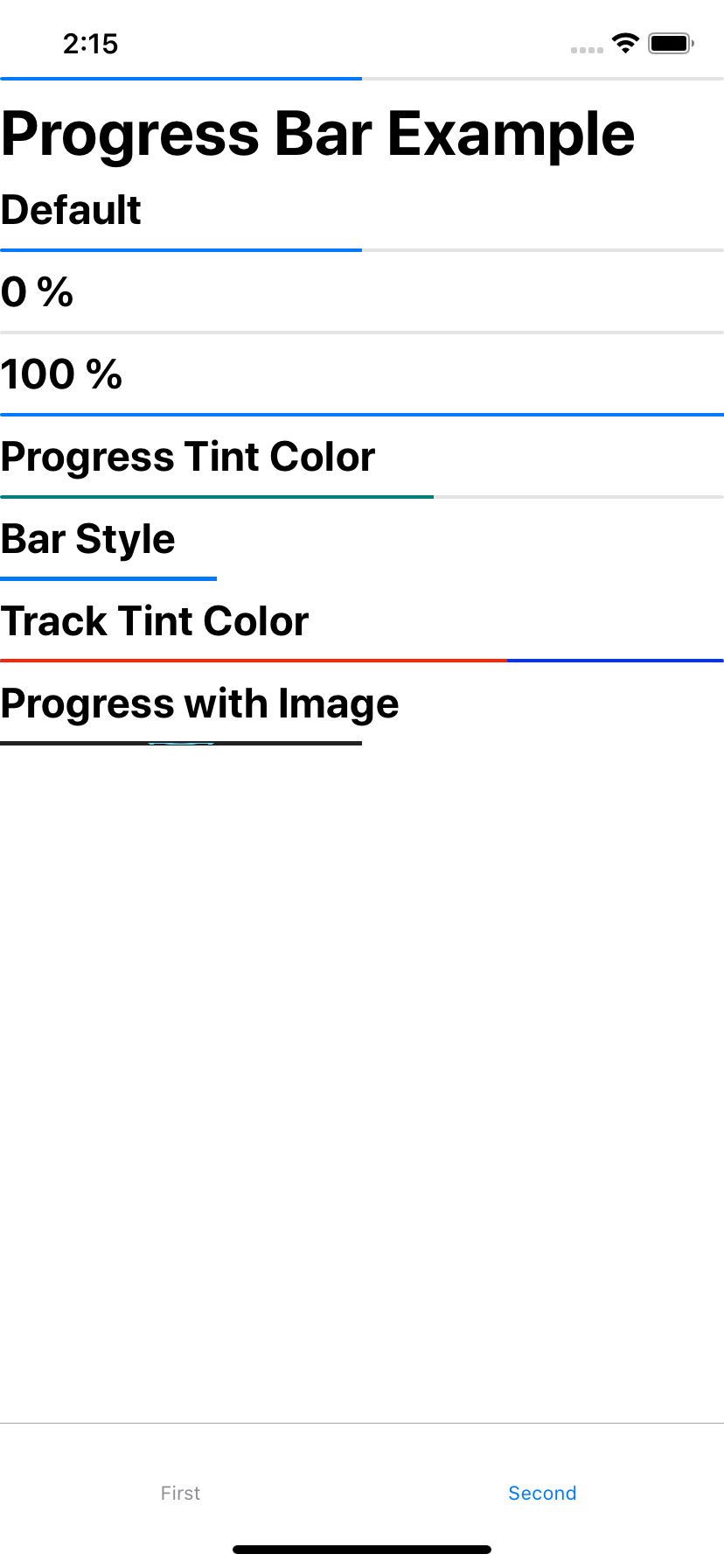
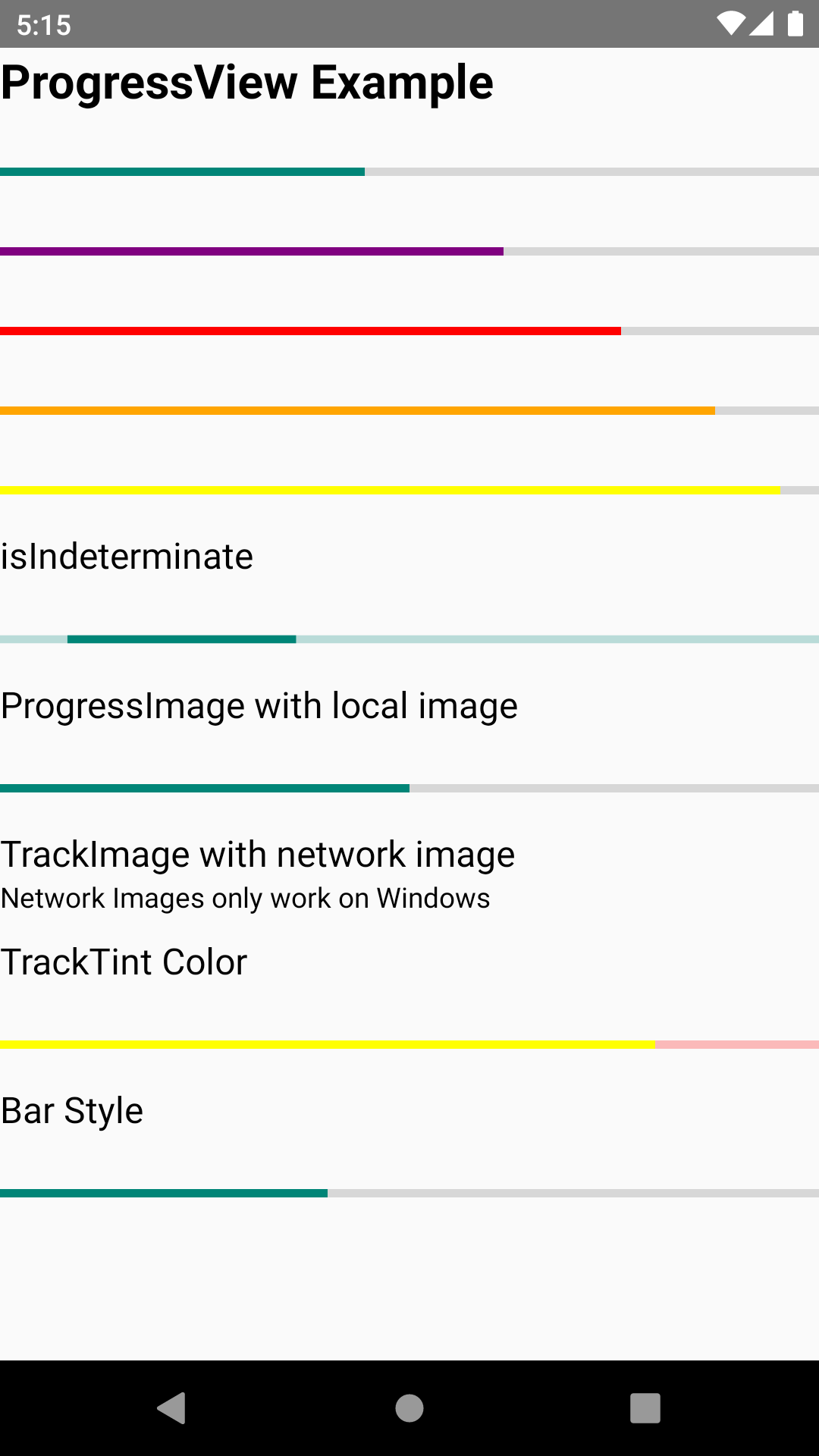
ProgressBar Component for macOS, iOS (based on UIProgressView), Android, and Windows.
| macOS | iOS | Android | Windows |
|---|---|---|---|
 |
 |
 |
 > |
npm install @react-native-community/progress-view --saveor
yarn add @react-native-community/progress-view- React Native 0.60+
The package is automatically linked when building the app. All you need to do is:
npx pod-install- React Native <= 0.59
Run the following commands
react-native link @react-native-community/progress-view- Open the solution in Visual Studio 2019
- Right-click Solution icon in Solution Explorer > Add > Existing Project
Select
node_modules\@react-native-community\progress-view\windows\progress-view\progress-view.vcxproj
Add a reference to progress-view to your main application project. From Visual Studio 2019:
Right-click main application project > Add > Reference...
Check progress-view from Solution Projects.
Add #include "winrt/progress_view.h".
Add PackageProviders().Append(winrt::progress_view::ReactPackageProvider()); before InitializeComponent();.
Manually linking the library - iOS
- In XCode, in the project navigator, right click
Libraries➜Add Files to [your project's name] - Go to
node_modules➜@react-native-community/progress-viewand addRNCProgressView.xcodeproj - In XCode, in the project navigator, select your project. Add
libRNCProgressView.ato your project'sBuild Phases➜Link Binary With Libraries - Run your project (
Cmd+R)
Import ProgressView from @react-native-community/progress-view
import {ProgressView} from "@react-native-community/progress-view";Add ProgressView like this
<ProgressView
          progressTintColor="orange"
          trackTintColor="blue"
          progress={0.7}
/>The example app in example/ is a react-native-test-app project that uses the dependencies of the repository root. Run yarn in the repository root first, and yarn start to start Metro.
cd example/ios && pod install(setRCT_NEW_ARCH_ENABLED=0for the old architecture)- From the repository root, run
yarn ios
yarn generate:android-manifest- Run
yarn android(pass-PnewArchEnabled=falseto Gradle for the old architecture)
cd example/macos && pod install- Open
example/macos/ProgressViewExample.xcworkspacein Xcode, build, and run
npx install-windows-test-app --project-directory example/windows- Run
yarn windows, or openexample/windows/ProgressViewExample.slnin Visual Studio, set Debug x64 and start the solution
The progress value (between 0 and 1).
| Type | Required |
|---|---|
| number | No |
A stretchable image to display as the progress bar.
| Type | Required |
|---|---|
| Image.propTypes.source | No |
The tint color of the progress bar itself.
| Type | Required |
|---|---|
| string | No |
The progress bar style. Network images only work on Windows.
| Type | Required |
|---|---|
| enum('default', 'bar') | No |
A stretchable image to display behind the progress bar. Network images only work on Windows.
| Type | Required |
|---|---|
| Image.propTypes.source | No |
The tint color of the progress bar track.
| Type | Required |
|---|---|
| string | No |
Turns progress bar into an indeterminate progress bar
| Type | Required | Platform |
|---|---|---|
| bool | No | Windows |
The library is released under the MIT license. For more information see LICENSE.